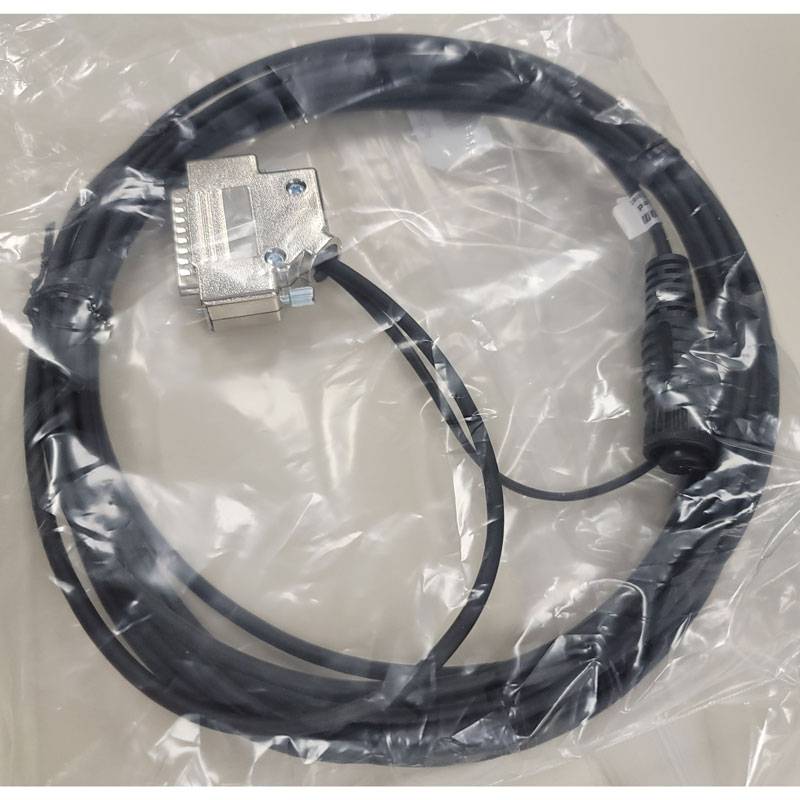
Setcom RC-18GTE 18' Radio Cable - L3Harris XG-Series
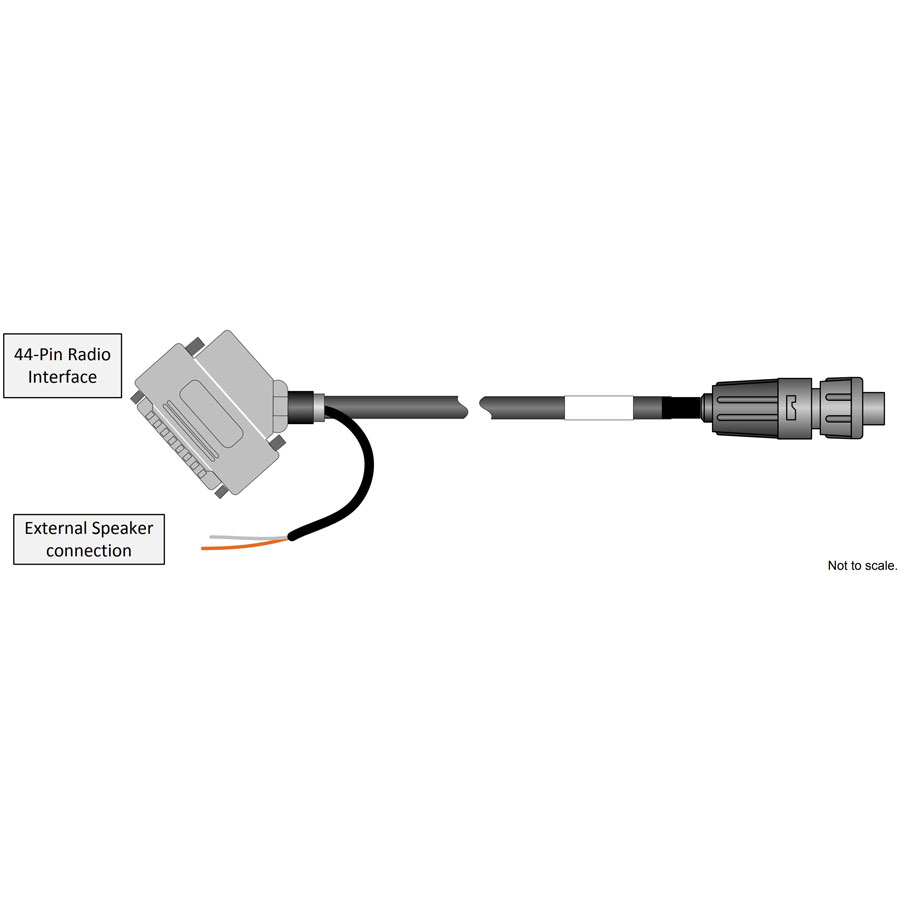
Radio interface for 44-pin accessory port connector
Compatible with L3Harris XG-100M, XG-25M, XG-75M, M7300, M5300
18 foot length
12 month warranty
Installation Notes
Radio Interface for 44-Pin Connector on Harris M7300 or XG-25M Radio (Direct Connect - No Option Cable)
Radio must be programmed for PTT on INP1(Pin 18).
XG-25M must also be programmed to enable external speaker via Radio Personality Manager:
"To support the external speaker, the radio must have the EXT SPKR (External Speaker) function programmed to a radio button
and/or menu. With this programming, the external speaker can be toggled on and off by pressing the button programmed with this function, or
by selecting the function on a menu.
When the external speaker is on, the radio’s internal speaker remains off/disabled."
From service manual: Configure via the "Auxiliary Input 1" in Radio Personality Manager's (RPM's) External I/O dialog Box
Setcom RC-18GTE 18' Radio Cable - L3Harris XG-Series
Radio interface for 44-pin accessory port connector
Compatible with L3Harris XG-100M, XG-25M, XG-75M, M7300, M5300
18 foot length
12 month warranty
Installation Notes
Radio Interface for 44-Pin Connector on Harris M7300 or XG-25M Radio (Direct Connect - No Option Cable)
Radio must be programmed for PTT on INP1(Pin 18).
XG-25M must also be programmed to enable external speaker via Radio Personality Manager:
"To support the external speaker, the radio must have the EXT SPKR (External Speaker) function programmed to a radio button
and/or menu. With this programming, the external speaker can be toggled on and off by pressing the button programmed with this function, or
by selecting the function on a menu.
When the external speaker is on, the radio’s internal speaker remains off/disabled."
From service manual: Configure via the "Auxiliary Input 1" in Radio Personality Manager's (RPM's) External I/O dialog Box