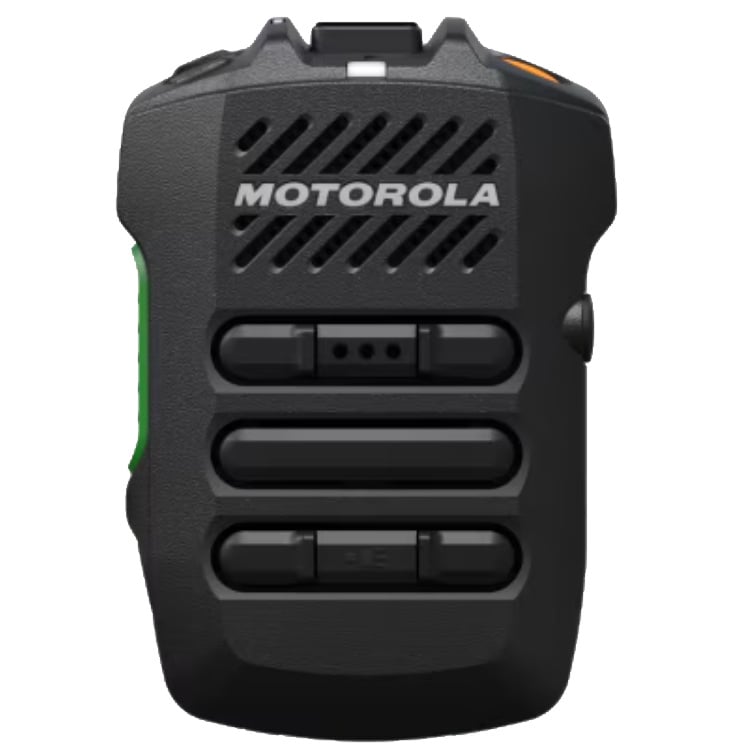
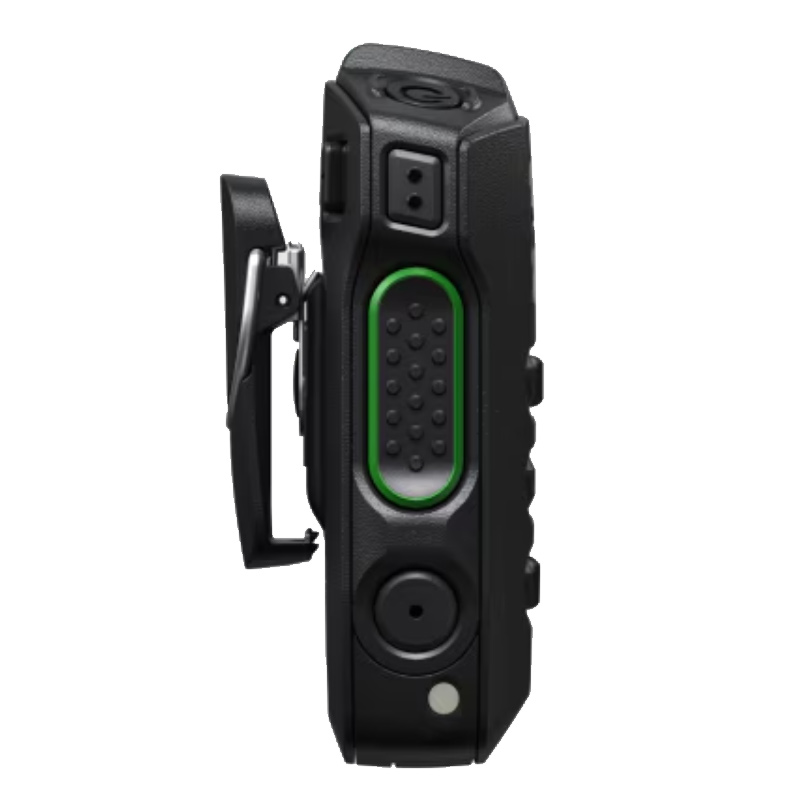
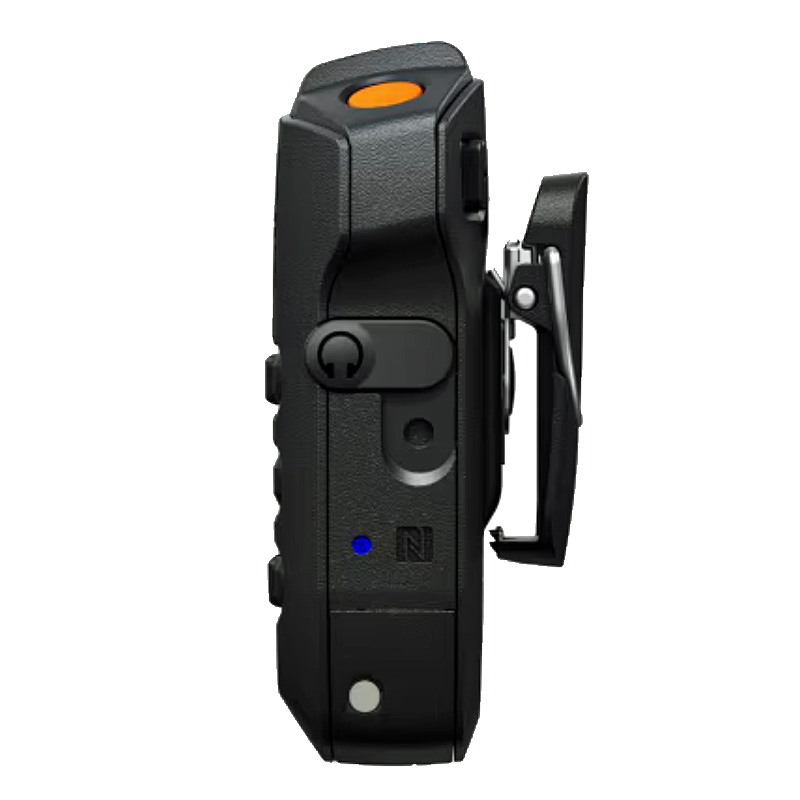
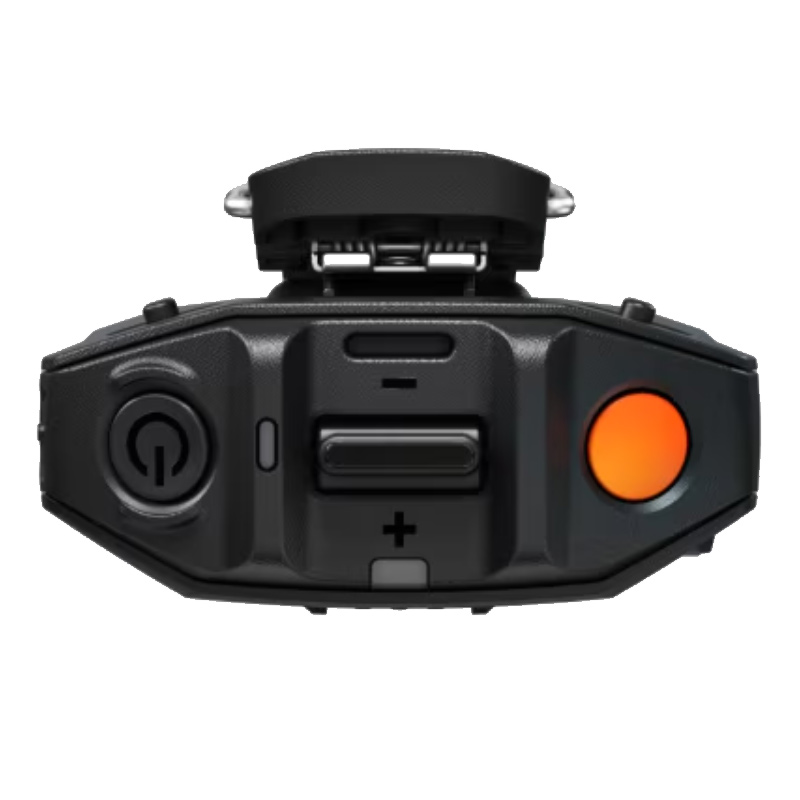
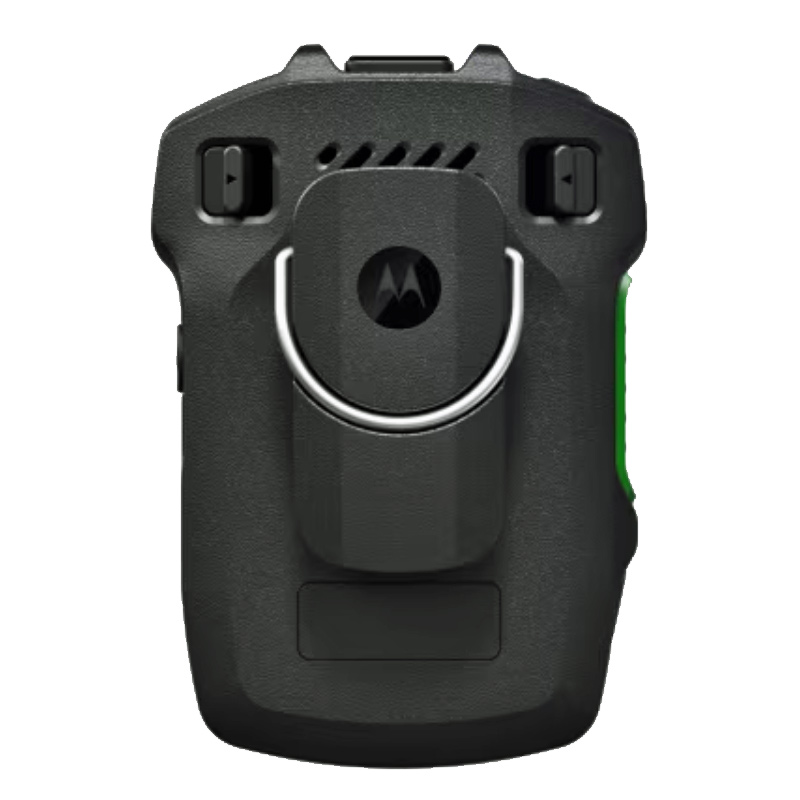
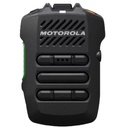
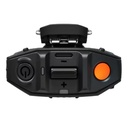
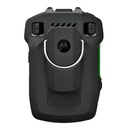
Motorola PMMN4158 WM800 UL IS Wireless Speaker-Mic
Includes 3-dot ViQi button, task light, emergency button, USB-C charging port, IP68 submersible, volume toggle, replaceable battery with swivel clip, and charging cable
Compatible with APX NEXT & firmware R07.30.00 and higher, APX N70 with R04.30.00 or higher, and APX portables, APX Mobiles, APX N50, and APX N30 with R34.02.00 and higher
Follow steps to pair using Bluetooth - While WM800 is powered off, press and hold the Power button until you hear “Power On” followed by battery status and “Searching for Host” voice prompt, and the blue LED blinks during pairing mode.
From the compatible APX radio, search and select “WM800_xxxx” from the Bluetooth list.
12 month warranty
Motorola PMMN4158 WM800 UL IS Wireless Speaker-Mic
Includes 3-dot ViQi button, task light, emergency button, USB-C charging port, IP68 submersible, volume toggle, replaceable battery with swivel clip, and charging cable
Compatible with APX NEXT & firmware R07.30.00 and higher, APX N70 with R04.30.00 or higher, and APX portables, APX Mobiles, APX N50, and APX N30 with R34.02.00 and higher
Follow steps to pair using Bluetooth - While WM800 is powered off, press and hold the Power button until you hear “Power On” followed by battery status and “Searching for Host” voice prompt, and the blue LED blinks during pairing mode.
From the compatible APX radio, search and select “WM800_xxxx” from the Bluetooth list.
12 month warranty